
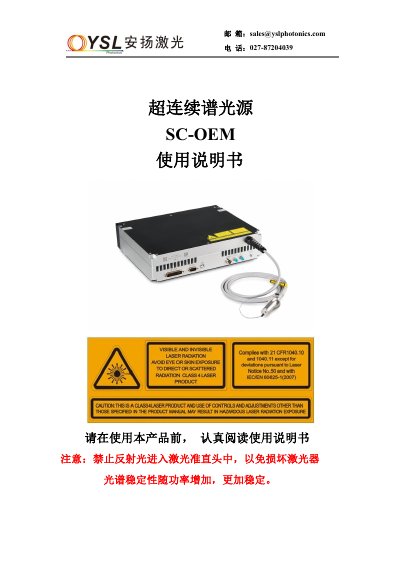
This manual provides detailed instructions for connecting and operating the SC‑OEM supercontinuum light source. It covers electrical connections, interface definitions, remote start‑up and shut‑down procedures, and how to control the device via a mobile app.
Additional sections describe daily maintenance, storage conditions, comprehensive safety precautions, and contact information for technical support. This manual is written in Chinese.
| Power supply | +24 V / 8 A DC |
|---|---|
| Frequency range | 0.1 – 25 MHz (adjustable) |
| NIM output voltage | -1 V to -0.8 V |
| TTL output voltage | +3.3 V |
| Storage temperature | 25 °C ±20 °C |
| Operating temperature | 25 °C ±5 °C |
Install the PL2303 driver, connect the USB cable, open the Laser.exe software, select the desired frequency, then gradually increase power in steps of 0% → 30% → 50% → 80% → 100%.
Never look directly at the laser emission port, avoid reflected light entering the output collimator, keep the device dry, and wear appropriate laser protection goggles.
Reduce the output power stepwise (100% → 80% → 50% → 30% → 0%), click the laser‑off button in the software, then disconnect the power supply.