
This document is the user manual for the BCD-45L and BCD-60L fridges. The manual includes safety information and instructions for using the fridge, as well as the features and characteristics of the fridge.
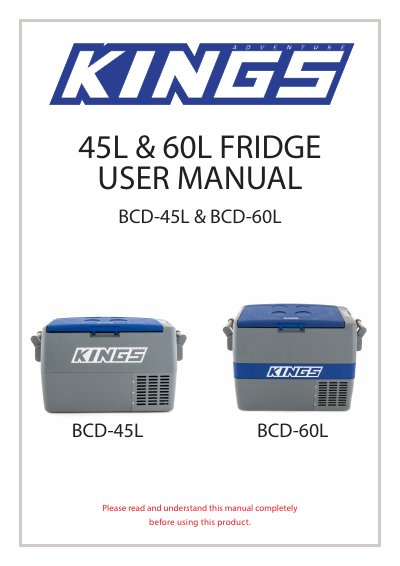
This manual provides instructions for the Adventure Kings BCD-45L and BCD-60L fridges, including safety information, assembly of handles, and operation procedures. It details how to adjust the temperature, switch between Fahrenheit and Celsius, and configure cooling modes such as Faster Cooling (Fc) and Efficient Cooling (Ec).
| Gross Capacity | 45 litres (BCD-45L), 60 litres (BCD-60L) |
|---|---|
| Dimensions (HWL) | 430 x 650 x 400 mm (BCD-45L), 520 x 650 x 400 mm (BCD-60L) |
| Voltages | 12 / 24 / 240 |
| Average Power Consumption | ≤ 45W (BCD-45L), ≤ 52W (BCD-60L) |
| Temperature Range | 8ºC to -18ºC |
| Weight | 20kg (BCD-45L), 22.5kg (BCD-60L) |
| Refrigerant Fluid | R134a |
Hold down both the 'set' and 'down' arrow buttons simultaneously to toggle between the two units.
The fridges offer two modes: Fc (Faster Cooling) and Ec (Efficient Cooling).
The product comes with a full 24-month warranty from the date of purchase against manufacturing defects.