
InnoStorage NAS User Manual, introduces NAS product hardware, software, initial settings, system, network, management, disk and other content
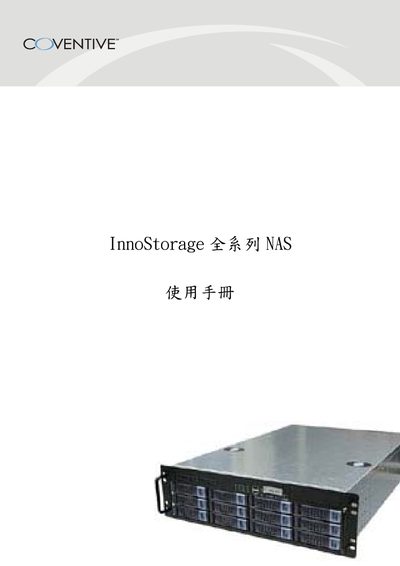
This manual introduces the InnoStorage series NAS, a network‑attached storage solution built on a Linux kernel with hot‑swap capability and support for up to 12 hard drives. It outlines the product’s key features such as RAID support, multi‑protocol access, and web‑based management.
The guide covers initial network configuration, iSCSI setup, snapshot management, security settings, and detailed tool functions for administration. It also includes warranty information and troubleshooting tips. This manual is written in Chinese.
| Drive bays | 4 to 12 |
|---|---|
| Maximum storage capacity | over 2 TB |
| Supported RAID levels | 0, 1, 3, 5, 10, 30 |
| Hot‑swap capability | Yes |
| Operating system | Linux kernel |
The device can hold between four and twelve hard drives.
It supports RAID 0, 1, 3, 5, 10 and 30.
Yes, the hot‑swap feature allows drive replacement while the system remains online.
The NAS runs on a Linux kernel.