
This document introduces the installation method of Gaode navigation software, including pre-installation preparation and installation steps.
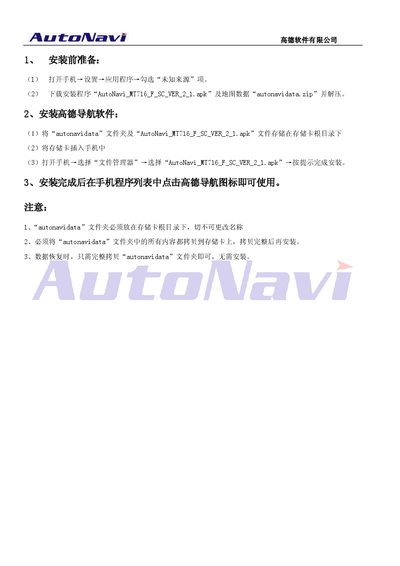
This guide explains how to install the AutoNavi MT716 navigation software on a mobile phone. It lists the prerequisite files, preparation steps, and the installation process required for the APK and map data.
Follow the outlined steps: place the "autonavidata" folder in the device's root directory without renaming it, copy the "AutoNavi_MT716 F SC VER 2 1.apk" file, run the installer, and then launch the AutoNavi app from the program list to start navigation. This manual is written in Japanese.
| APK file name | AutoNavi_MT716 F SC VER 2 1.apk |
|---|---|
| Map data file name | autonavidata.zip |
You need the APK file "AutoNavi_MT716 F SC VER 2 1.apk" and the map data zip "autonavidata.zip".
The "autonavidata" folder must be placed in the device’s root directory and its name must not be changed.
Open the AutoNavi app from the phone’s program list after the installation completes.