
This document is a manual for installing Amap navigation software on mobile phones. It details the pre-installation preparation and installation steps, and provides precautions
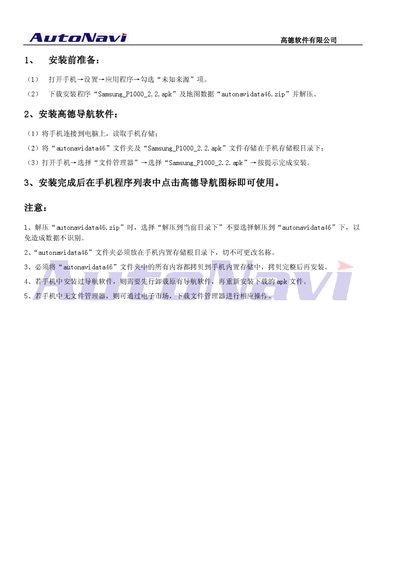
The guide explains the preparation steps required before installing the AutoNavi navigation app, including enabling the "Unknown sources" option in the phone settings and downloading the APK file (Samsung_P1000_2.2.apk) together with the map data archive (autonavidata46.zip).\n\nIt then details how to copy the map data folder and APK to the phone’s internal storage root, install the app via the file manager, and ensure the folder name remains unchanged. Additional notes cover uninstalling any existing navigation apps and obtaining a file manager if needed. This manual is written in Chinese.
| APK version | 2.2 |
|---|---|
| Map data folder name | autonavidata46 |
Open Settings → Applications and check the "Unknown sources" option.
The folder must be placed in the phone’s internal storage root directory with the exact name unchanged.
Uninstall the existing navigation software before installing the new AutoNavi app.
Download a file manager from the app market to perform the required operations.