
This is an e-manual for Philips 240B1 display. It introduces the safety measures and maintenance, FAQ, troubleshooting and regulations.
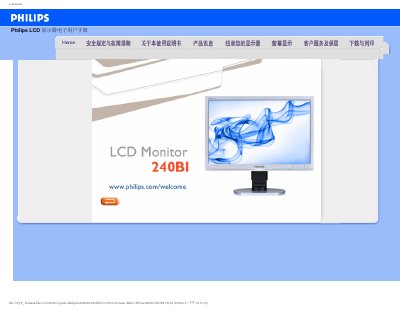
This manual covers the Philips 240BI1 24-inch LCD monitor. It includes safety precautions, assembly and display setup guidance, frequently asked questions, and troubleshooting steps for image, power, and connection problems.
The document also lists product specifications and warranty and service information, including the recommended resolution of 1920 x 1200 at 60 Hz, operating temperature and humidity ranges, and supported operating systems. This manual is written in Chinese.
| Recommended resolution | 1920 x 1200 @ 60 Hz |
|---|---|
| Screen size | 24 inches |
| Operating temperature | 0-40°C (32-95°F) |
| Operating humidity | 20-80% RH |
| Panel technology | IPS |
| Color temperature settings | 5000K, 6500K, 7500K, 8200K, 9300K, 11500K |
| Plug and Play support | Windows 95, 98, 2000, XP, Vista and Linux |
| Wall mounting | Standard VESA mounting holes |
The recommended resolution is 1920 x 1200 at 60 Hz. The monitor works best at its native resolution of 1920 x 1200 at 60 Hz.
Press the "OK" button and then select "Reset" to restore all original factory settings.
Use a clean soft cloth for normal cleaning. For detailed cleaning, use isopropyl alcohol, and avoid ordinary alcohol, ethanol, acetone, hexane, and other solvents.
Yes. The monitor has standard VESA mounting holes on the back cover and can be attached to most VESA-compatible mounts or accessories.