
This document introduces a product called HD-3, which is a compact and easy-to-use drum set. The product features a rich and wide variety of sounds, designed for use with all styles of music. It also has the ability to enjoy playing on your own, using headphones without worrying about others hearing. Additionally, the product can be connected to external audio sources, allowing for playing along with audio players, etc. When using the product, it is important to correctly connect the blue and brown wires of the power cord and select the appropriate drum kit. Please refer to the document for more details.
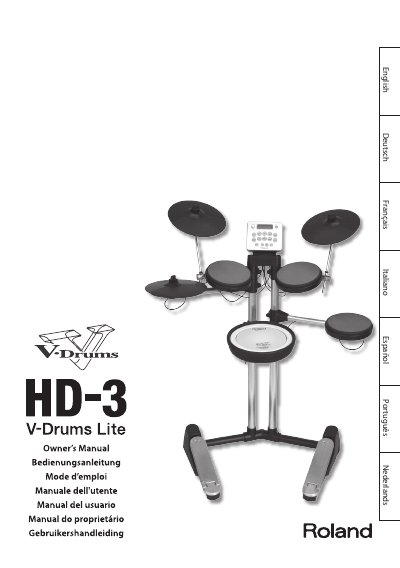
This manual provides instructions for the Roland HD-3 V-Drums Lite, a compact electronic drum set featuring 20 different drum kits and 20 patterns. It explains how to use the various panel controls, including the Volume knob, Kit buttons, and Variation button, to select sounds and play along with external audio sources via the MIX IN jack.
The guide covers basic playing techniques, how to switch the power on and off, and how to utilize the built-in metronome. It also details the Edit screens for adjusting settings such as pad sensitivity, note numbers, and left-handed configurations, along with troubleshooting tips and a list of main specifications.
| Drum kits | 20 |
|---|---|
| Patterns | 20 |
| Tempo range | 40-250 |
| Metronome sounds | 3 types |
| Volume levels | 10 levels |
| Display | 16 characters, 2 lines |
| Power consumption | 500 mA |
| Dimensions (mm) | 950 x 560 x 1170 |
| Weight | 14.5 kg / 32 lb |
Hold down the [POWER] switch for several seconds to turn the unit on or off.
Connect an external audio source to the MIX IN jack to mix it with the drum sounds.
Use the [A] and [B] buttons to adjust the tempo of the metronome or pattern playback.
By default, the HD-3 automatically switches off 30 minutes after you stop playing or operating the unit.