
This document introduces the main features and characteristics of the ep-90/70 electronic keyboard, including how to use it safely, connect the power supply, play the demo songs, play the keyboard, record performances, and connect to audio equipment.
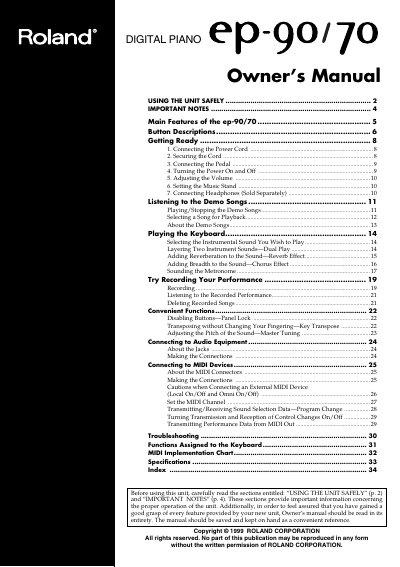
This Owner's Manual for the Roland ep-90/70 digital piano begins with safety instructions and important notes, then describes the unit's main features and buttons. It explains getting ready: connecting and securing the power cord, connecting the pedal, turning the power on and off, adjusting the volume, setting the music stand, and connecting headphones.
The manual also covers listening to and selecting demo songs, playing the keyboard, selecting instrument sounds, Dual Play, reverb and chorus effects, and using the metronome. It continues with recording, playback and deletion, panel lock, key transpose, master tuning, audio and MIDI connections, MIDI settings, troubleshooting, functions assigned to the keyboard, a MIDI implementation chart, specifications, and an index.
Read “USING THE UNIT SAFELY” and “IMPORTANT NOTES,” and read the Owner’s Manual in its entirety.
Use only the AC adaptor supplied with the unit, and make sure the line voltage matches the adaptor’s input voltage.
At least two persons are required to lift and move it carefully while keeping it level.
Do not operate it for long periods at high volume; stop and consult an audiologist if you experience hearing loss or ringing.