
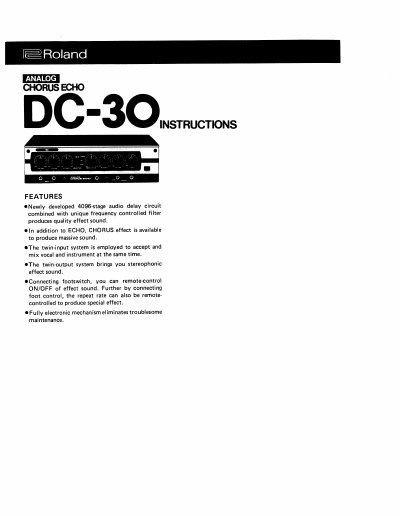
This is the instruction booklet for the Roland DC-30 Chorus Echo, an effects unit that provides echo and chorus processing for microphone and instrument input. It explains the front panel controls, the rear panel jacks, and the three-position input level switch for microphone, guitar and electronic organ.
The booklet also shows how to connect the DC-30 to a PA mixer, a stereo system or a guitar amplifier, suggests control settings for echo and chorus effects, and lists cautions, optional footswitch FS-1 and foot control FV-2, a troubleshooting guide and specifications. The last page notes the instructions were printed in Japan in April 1978.
| Delay Time (Chorus) | 2 ms – 44 ms |
|---|---|
| Delay Time (Echo) | 40 ms – 600 ms |
| Input Level Changeover Switch | Microphone -50 dB; Guitar -35 dB; Electronic Organ -20 dB |
| Input Sensitivity / Impedance (Microphone) | -50 dB / 4.7 kΩ |
| Output Level / Impedance | -20 dB, -35 dB / less than 600 Ω |
| Power Consumption | 6 W |
| Dimensions | 386 (W) x 123 (H) x 206 (D) mm; 15.2 (W) x 4.9 (H) x 8.1 (D) in |
| Weight | 3.7 kg / 8.2 lbs |
Yes. Connect the optional footswitch FS-1 to the Footswitch jack to remote-control ON/OFF of the effect sound.
The echo delay time is given as 40 mS to 600 mS, while the chorus delay time is 2 mS to 44 mS.
The switch is set to match the connected source: Microphone -50 dB, Guitar -35 dB and Electronic Organ -20 dB.
Use the Direct (D+E) jack only; when both jacks are used, direct sound comes through Direct (D+E) and effect sound through the Effect jack.