
This manual describes the basic operations of the BR-1600CD, including setting up, recording, playback, mixing, and making an original audio CD.
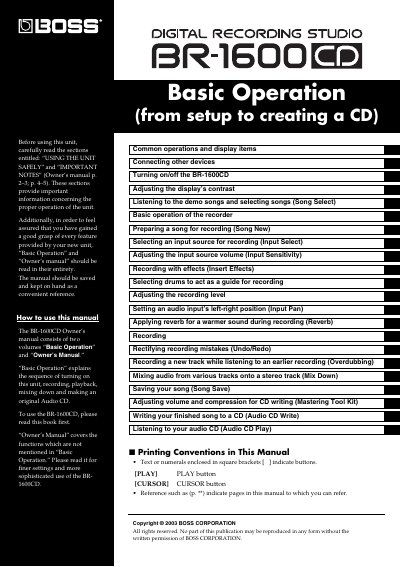
This Basic Operation volume is part of the BOSS BR-1600CD Owner’s manual set. It explains turning on the unit, recording, playback, mixing down, and making an original audio CD; the Owner’s Manual covers functions not described here.
The document starts with common display and control items such as the top screen, cursor, TIME/VALUE dial, and VALUE knobs, then covers connections, song selection, input selection and sensitivity, effects, drum guide tracks, reverb, undo/redo, overdubbing, mix down, the Mastering Tool Kit, and Audio CD writing and playback.
| MTC frames per second (initial setting) | 30 (non-drop) |
|---|
It explains the sequence of turning on the unit, recording, playback, mixing down, and making an original Audio CD.
Read “USING THE UNIT SAFELY” and “IMPORTANT NOTES” in the Owner’s manual before using the unit.
Press [EXIT/NO] several times to return to the top screen.
At purchase, the number of frames per second is set to 30 (non-drop).