
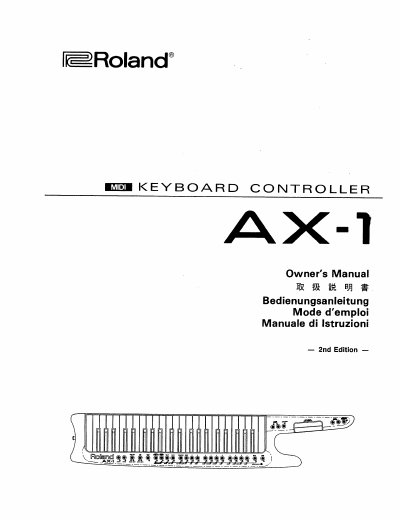
This document is the Owner's Manual for the Roland AX-1, a keyboard controller designed for use with GS receivers. The manual provides instructions in multiple languages, including English, German, French, Italian, and Japanese.
The guide details the functions of the various buttons and controls on the AX-1 panel. Key features include the Data Entry potentiometer for volume control, Transposer On/Off for transposition settings, and Start/Stop buttons for external accompaniment. It also explains the Patch mode, which allows selection from 82 memory patches, and the Edit section for assigning Program Change and other MIDI parameters.
It controls volume through the Control Change Volume Message (CC-7) when assigned.
It controls Start and Stop of external accompaniment units or Sequencers sending Start and Stop messages via MIDI.