
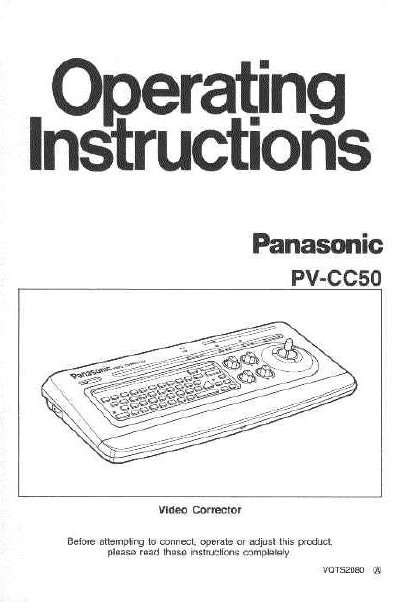
This manual provides instructions for the Panasonic PV-CC50 Video Corrector, an accessory designed to enhance recorded tapes by adjusting white balance, color intensity, tint, and sharpness. It also details the use of the built-in Character Generator for creating titles on recordings.
| Character Types | 26 capital and small letters, numbers 0-9, and 10 special characters |
|---|---|
| Title Memory | 8 pages |
| Memory Backup Time | up to one week |
| Character Sizes | four sizes |
There are four sizes available for letters, numbers, and characters.
Press the ALL RESET button with a small pointed object such as a pen point.