
This is a digital camera user manual that details the camera's various functions and usage methods.
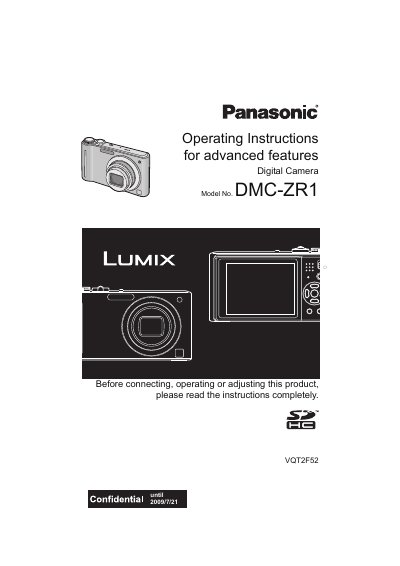
This manual provides operating instructions for the Panasonic DMC-ZR1 digital camera. It covers essential topics such as charging the battery, inserting the memory card, and setting the date and time. The guide explains how to use the camera's various modes, including Intelligent Auto Mode, Normal Picture Mode, and Scene Mode, as well as how to take close-up pictures and use the self-timer.
| Supported Memory Card | SD Memory Card and SDHC Memory Card |
|---|---|
| Built-in Memory | Yes |
| Motion Picture Recording Limit | Up to 2 GB or 15 minutes |
Yes, you can record or play back pictures on the built-in memory when you are not using a card.
The maximum continuous recording time is 8 hours and 35 minutes.
Yes, you can record or play back pictures on the built-in memory when you are not using a card.
No, the battery is not charged when the camera is shipped and must be charged before use.