
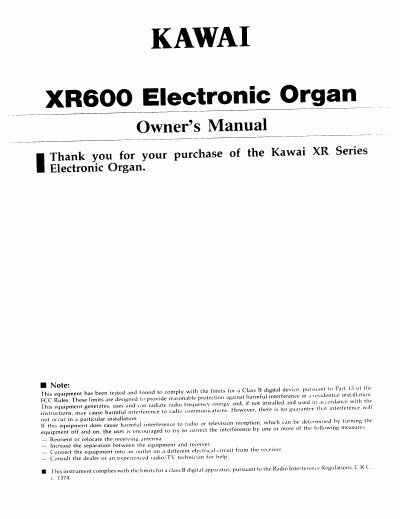
Kawai XR600 Electronic Organ Owner's Manual


Kawai XR600 Electronic Organ Owner's Manual - cover page
Brand
Kawai
Category
Musical instruments
Document type
User Manual
Language
English
Pages
44
File format
PDF
File size
1.6 MB
Published
10 August, 2012
Updated
29 August, 2012
MD5 checksum
CE0CDD30148ABA7F446E76FD51DEBC6D

About this manual

This manual provides instructions for the Kawai XR600 electronic organ, including safety precautions, parts identification, and initial setup. It details how to adjust volume, select sounds, and use the internal floppy disk system for storing and playing songs.

What's inside

  • Name of Parts
  • Connectors
  • Getting Ready to Play
  • Volume Adjustment
  • Selecting Sounds
  • Effect Settings
  • Disk Player System
  • Registration Memory
  • MIDI
  • Troubleshooting

Specifications

Floppy Disk Type3.5 inch 2DD
ClassClass B digital device

Frequently asked questions

How do I reset the internal memory?

Turn on the POWER while holding down the E, F, A, B and C keys within the highest octave of the UPPER KEYBOARD.

Can I use other types of floppy disks?

No, the XR600 only uses 3.5 inch 2DD floppy disks; other types cannot be used.

Download PDF (1.6 MB)

More Kawai Manuals


View all Kawai manuals →