
This manual introduces the use of Panasonic SC-PT650 DVD Home Theater Sound System. This system supports HDMI high-definition image output, can connect wireless surround sound speakers, and supports XM satellite radio.
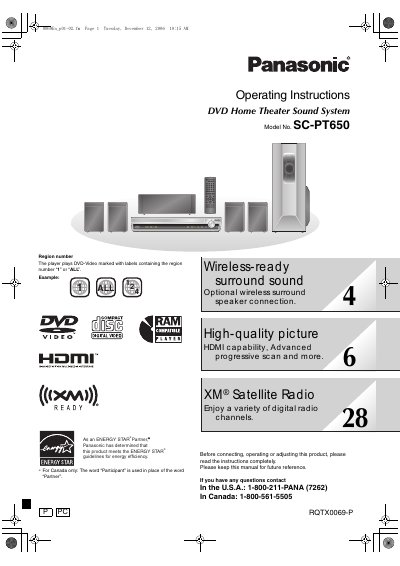
This manual provides operating instructions for the Panasonic SC-PT650 DVD Home Theater Sound System. It details the system components, including the main unit, front speakers, center speaker, surround speakers, and subwoofer. The document guides users through safety precautions, initial setup, and speaker positioning to ensure optimal sound performance.
| Product Type | DVD Home Theater Sound System |
|---|---|
| Model Number | SC-PT650 |
| Main Unit Model | SA-PT650 |
| Front Speakers Model | SB-HF650 |
| Center Speaker Model | SB-HC750 |
| Surround Speakers Model | SB-HS650 |
| Subwoofer Model | SB-HW750 |
The player plays DVD-Video marked with labels containing the region number '1' or 'ALL'.
The player plays DVD-Video discs marked with the region number '1' or 'ALL'.