
This manual explains how to troubleshoot problems with your P PC player.
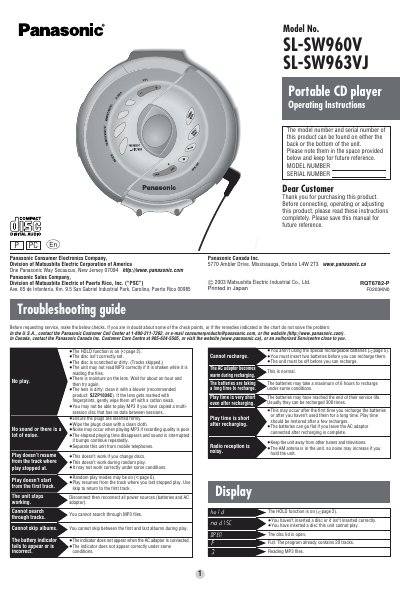
This document provides operating instructions for the Panasonic SL-SW960V and SL-SW963VJ portable CD players. It details the location of controls, connection methods for audio systems and car stereos, and explains features such as the HOLD function, Resume function, and Auto power off. The manual also includes specific guidance on playing CD-R and CD-RW discs and MP3 files.
| Maximum album levels | 100 |
|---|---|
| Light source wavelength | 780 nm |
| Recharging time | 4 to 5 hours |
Yes, this unit can play MP3 files recorded to discs using MPEG Layer-3 audio decoding technology.
The HOLD function causes the unit to ignore accidental button presses so it doesn't power on accidentally or play is interrupted.
The batteries may take a maximum of 6 hours to recharge under some conditions.
The unit powers itself off automatically due to the Auto power off function.