
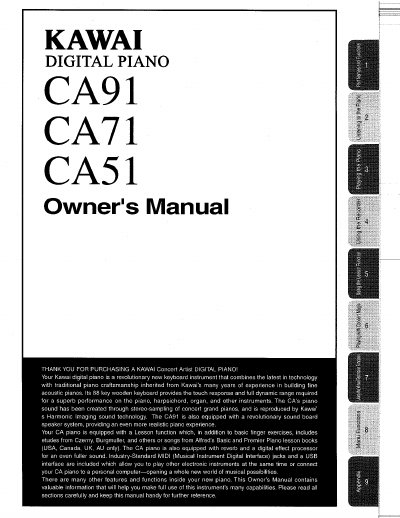
Kawai CA51/CA71/CA91 Digital Piano Owner's Manual


Kawai CA51/CA71/CA91 Digital Piano Owner's Manual - cover page
Brand
Kawai
Category
Digital
Document type
User Manual
Language
English
Pages
90
File format
PDF
File size
4.2 MB
Published
10 August, 2012
Updated
28 August, 2012
Models
CA51, CA71, CA91
MD5 checksum
5F06702A7C9D307FDD755D33D49F0FAD

About this manual

This Owner's Manual guides users through the features of the Kawai Concert Artist digital pianos (CA51, CA71, and CA91). It details how to use the 88-key wooden keyboard, select sounds, and utilize the built-in Lesson function with etudes and Alfred lesson books. The guide also explains the Recorder, Four Hands mode, and various sound effects like Reverb and Chorus.

What's inside

  • Important Safety Instructions
  • Part Names and Functions
  • Listening to the Piano
  • Playing the Piano
  • Using the Recorder
  • Using the Lesson Function
  • Using the Virtual Technician Functions
  • Menu Functions
  • Connecting to other devices
  • Specifications

Specifications

Keyboard88 key wooden keyboard
Sound TechnologyHarmonic Imaging sound technology
InterfaceIndustry-Standard MIDI jacks and a USB interface

Frequently asked questions

Which models does this manual cover?

This manual covers the Kawai CA51, CA71, and CA91 digital pianos.

What lesson materials are included?

The piano includes etudes from Czerny, Burgmuller, and others, or songs from Alfred's Basic and Premier Piano lesson books.

Can I connect this piano to a computer?

Yes, the piano includes a USB interface that allows you to connect your CA piano to a personal computer.

Download PDF (4.2 MB)

More Kawai Manuals


View all Kawai manuals →