
Aviom PB28 Modular Patch Bay User Guide introduces the specifications and features of the PB28 series modules, and how to install the modules on the PB28 patch panel.
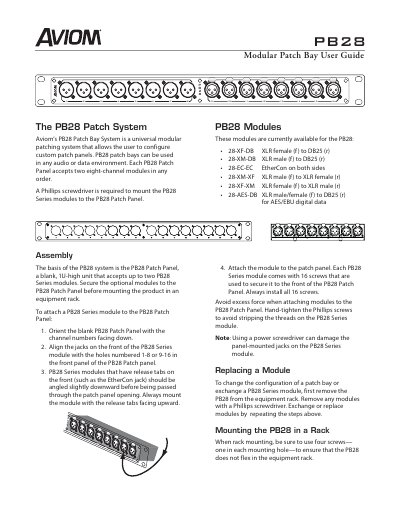
The Aviom PB28 Patch Bay System is a universal modular patching system that allows users to configure custom patch panels for audio or data environments. Each PB28 Patch Panel accepts two eight-channel modules in any order and requires a Phillips screwdriver for assembly.
| Panel Height | 1U-high |
|---|---|
| Module Capacity | up to two PB28 Series modules |
| Screw Requirement | 16 screws per module |
| Rack Mounting Screws | four screws |
| Warranty Period | one year |
A Phillips screwdriver is required to mount the PB28 Series modules to the PB28 Patch Panel.
Always install all 16 screws provided with each PB28 Series module to secure it to the front of the PB28 Patch Panel.
The ground (earth) lift switch is provided to help troubleshoot ground problems on analog modules using the DB25 connector.
Yes, the 28-EC-EC module can be used with Aviom A-Net products or with any Cat-5 based data system.