
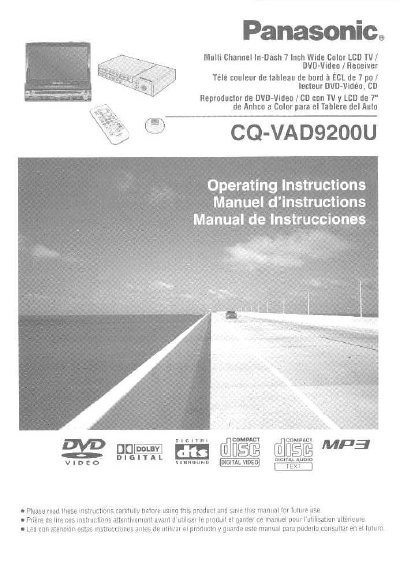
This manual provides operating instructions for the Panasonic CQ-VAD9200U, a multi-channel in-dash 7-inch wide color LCD TV/video receiver. The device integrates a monitor, TV tuner, FM/AM radio, and DVD/Video/CD/MP3 player capabilities. It features a built-in DSP with 8 sound fields and a 7-band graphic equalizer, as well as an optical digital input connector for a 5.1 channel surround system when connected with optional speakers. The display unit is fully powered, allowing for automatic positioning adjustments including extension, raising, tilting, and front/rear movement, with manual lateral angle adjustment. A GUI (Graphic User Interface) is provided to enhance visibility and operability.
| Display Size | 7-inch wide LCD |
|---|---|
| Laser Wavelength | 780 nm |
| Sound Fields | 8 sound field (space) |
| Equalizer Bands | 7 band graphic equalizer |
| Supported Discs | DVD, Video CD, CD, CD-R, CD-RW, MP3 |
Yes, the positioning of the display unit is fully power driven, including extending, raising, tilting, and moving front and rear.
The lateral angle to the right and left can be adjusted manually.
The unit has a built-in optical digital input connector.