
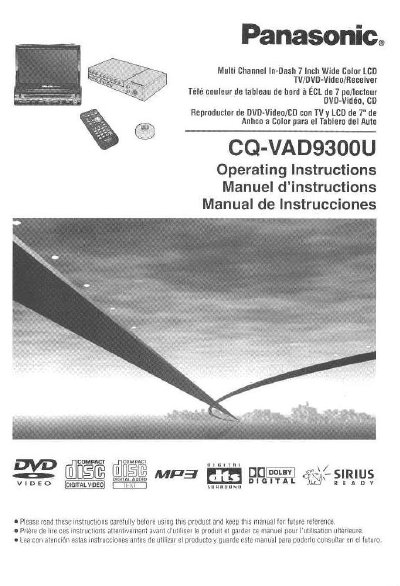
The Panasonic CQ-VAD9300U is a multi-channel in-dash entertainment system featuring a 7-inch wide color LCD display. It integrates a TV tuner, FM/AM radio, DVD/Video CD player, and CD/MP3 player into a single unit designed for automotive use.
This manual provides comprehensive guidance on using the product safely, operating various functions such as disc playback, radio tuning, and Sirius satellite receiver control, and performing system setup. It also includes installation instructions, troubleshooting tips, and maintenance notes.
| Display Size | 7-inch wide LCD |
|---|---|
| Integrated Functions | Monitor, TV tuner, FM/AM radio, DVD/Video CD player, CD/MP3 player |
| Audio Decoding | Built-in Dolby Digital decoder/DTS decoder, Dolby Pro Logic decoder |
| Equalizer | 8 sound field (space) and 7 band graphic equalizer |
Yes, an optional Sirius receiver (CR-SRT100) can be connected to the unit.
The unit supports CD-R, CD-RW, and CD-ROM discs containing audio or MP3 data.
The display unit is fully power driven for extending, raising, tilting, and moving front to rear, except for lateral angle which is manual.