
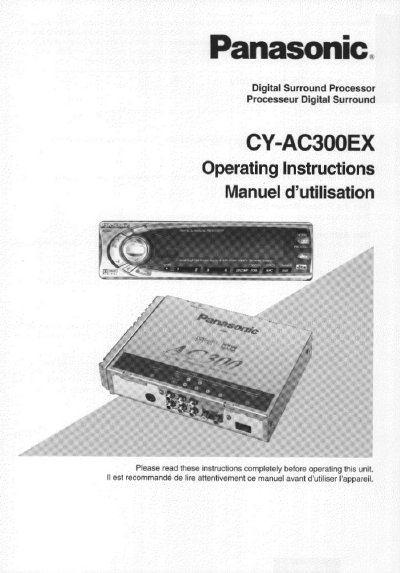
Panasonic CY-AC300EX Digital Surround Processor Operating Instructions


Panasonic CY-AC300EX Digital Surround Processor Operating Instructions - cover page
Brand
Panasonic
Category
Car Speakers
Document type
User Manual
Language
English
Pages
64
File format
PDF
File size
2.1 MB
Published
09 August, 2012
Updated
16 August, 2012
MD5 checksum
CB68ED23442751F4255CC5DABB1A3A4B

About this manual

This document provides operating instructions for the Panasonic CY-AC300EX Digital Surround Processor. It details the names of parts, general preparations, and how to adjust speaker settings, output levels, and delay times. The manual also explains how to play digital program sources in Dolby Digital, Dolby Surround, DTS, and Linear PCM formats, as well as analog sources.

What's inside

  • Before Use
  • Names of the Parts
  • General
  • Speaker Setting
  • Digital Sources
  • Analog Sources
  • Useful Functions
  • Electrical Connections
  • Troubleshooting
  • Specifications

Specifications

Power Supply12 volt, negative ground battery system
Installation AngleFront end tilted up at a convenient angle, but not more than 30°

Frequently asked questions

What is required for full Dolby Digital Surround and DTS effect?

A Panasonic mobile DVD player (example: CX-DV1500EUC) and an external amplifier, which are sold separately.

What causes the "OVER" light to appear on the display?

The analog input level is too high.

Why might there be no sound from the speakers?

Possible causes include the contact not being established, no digital signals being sent, the mute function being active, or the volume being at the minimum level.

Download PDF (2.1 MB)

More Panasonic Manuals


View all Panasonic manuals →