
Panasonic CR-SRF100/CR-SRT100 Sirius Satellite Radio Operating Instructions

This manual introduces the operating instructions of Sirius Satellite Radio CR-SRF100 CR-SRT100
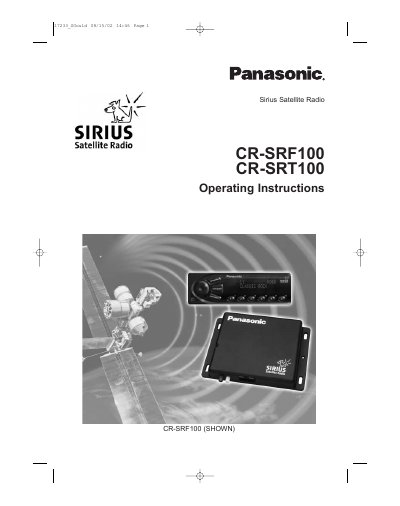

Panasonic CR-SRF100/CR-SRT100 Sirius Satellite Radio Operating Instructions - cover page
Brand
Panasonic
Document type
User Manual
Language
English
Pages
52
File format
PDF
File size
2.1 MB
Published
09 August, 2012
Updated
30 September, 2023
MD5 checksum
25029BF06E77A09B374826AB134330D4

About this manual

This manual provides operating instructions for the Panasonic CR-SRF100 and CR-SRT100 Sirius Satellite Radio (SSR) systems. It details the system components, including the SSR Receiver, Controller/Display Unit, and FM Modulator, and explains how to get an initial subscription from Sirius.

What's inside

  • Acronyms & Abbreviations
  • Basic Features
  • What is Sirius Satellite Radio
  • Precautions
  • Getting Initial Subscription
  • Setup Mode
  • Basic Operation
  • System Components & Specifications
  • Diagrams & Installation
  • Maintenance & Troubleshooting

Specifications

Operating Temperature Range-40°C to +85°C
Power Supply12VDC (9 – 16VDC)
Max RMS Current Consumptionless than 2.0A @ 25°C 14v
Frequency RangeS-Band: 2319.75MHz to 2332.75MHz
Audio Output Level2 Vrms differential (1 Vrms single ended)

Frequently asked questions

How do I enter Setup Mode?

A user enters setup mode by pressing the [1] and [6] buttons simultaneously.

What is the maximum RMS current consumption of the receiver?

The maximum RMS current consumption is less than 2.0A at 25°C with 14V.

What type of connector is used for the Satellite Antenna Input?

The Satellite Antenna Input uses a Blue FAKRA connector.

Download PDF (2.1 MB)

More Panasonic Manuals


View all Panasonic manuals →