
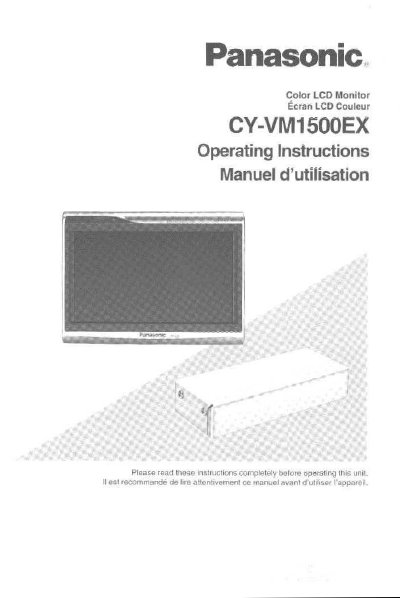
Panasonic CY-VM1500EX Color LCD Monitor Operating Instructions


Panasonic CY-VM1500EX Color LCD Monitor Operating Instructions - cover page
Brand
Panasonic
Category
Player
Document type
User Manual
Language
English
Pages
76
File format
PDF
File size
1.8 MB
Published
09 August, 2012
Updated
30 August, 2012
MD5 checksum
BFBA4CAD0BE8903B60F3D2B7AA7E3154

About this manual

This document provides operating instructions for the Panasonic CY-VM1500EX, a 7-inch high-definition color LCD monitor with a 16:9 aspect ratio. The manual details how to use the main controls on the display unit, including power, mode selection, and volume adjustment.

What's inside

  • Use This Product Safely
  • Main Controls
  • Before Using the Display Unit
  • Adjusting the Volume
  • Selecting the ASPECT
  • Adjusting the Brightness
  • Selecting the Monitor System
  • Connecting to External Devices
  • Installation Guide
  • Troubleshooting

Specifications

Screen Size7-inch large LCD monitor
Resolution336,960 pixels
Aspect Ratio16:9
Power Supply12 volt DC, negative ground battery system

Frequently asked questions

What are the safety warnings for using this monitor while driving?

The driver must not operate or watch videos on the color LCD monitor while driving to avoid accidents. The unit should only be used for navigation or with a rear view camera.

What is the recommended temperature range for using the liquid crystal panel?

The usage temperature range is 0 °C to +40 °C. Operating outside this range may cause image issues.

How does the dimmer sensor work?

The built-in dimmer sensor automatically adjusts the screen brightness to one of 60 levels based on surrounding light conditions.

Download PDF (1.8 MB)

More Panasonic Manuals


View all Panasonic manuals →