
This document is the instruction manual of GYA350 AVCS, which introduces the features and characteristics of the product.
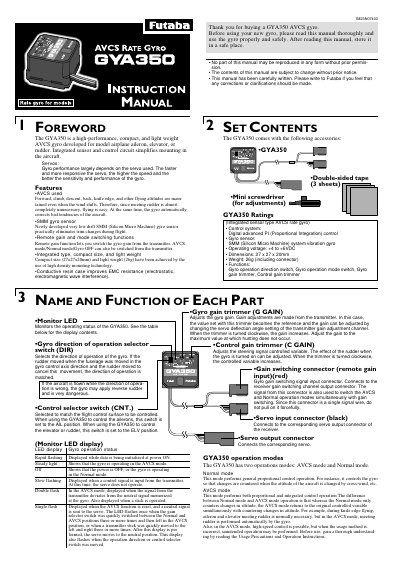
The Futaba GYA350 is a high-performance, compact AVCS gyro designed for model airplane aileron, elevator, or rudder control. It features an integrated sensor and control circuit, a low-drift SMM gyro sensor, and the ability to switch gain and modes remotely from the transmitter. The device includes a conductive resin case for improved EMC resistance and comes with double-sided tape and a mini screwdriver.
| Control system | Digital advanced PI (Proportional Integration) control |
|---|---|
| Gyro sensor | SMM (Silicon Micro Machine) system vibration gyro |
| Operating voltage | +4 to +6VDC |
| Dimensions | 27 x 27 x 20mm |
| Weight | 26g (including connector) |
The GYA350 has AVCS mode, which performs proportional and integrated control, and Normal mode, which performs general proportional control.
Always switch to Normal mode when taking off and landing, as using the AVCS mode during these phases is dangerous.
Adjust the gain with the gyro gain trimmer until the servo stops hunting; best performance occurs just before hunting begins.