
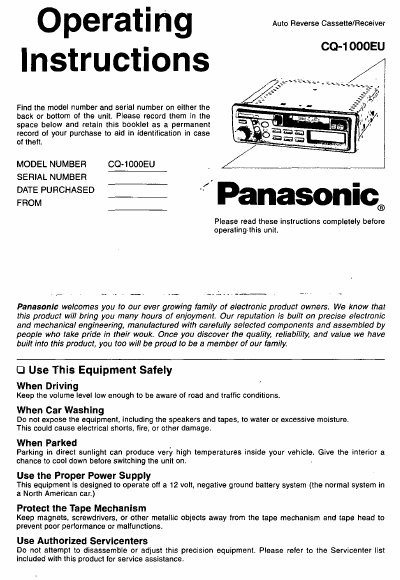
This manual provides instructions for the Panasonic CQ-1000EU, an auto reverse cassette and receiver unit. It details how to operate power, volume, balance, bass, treble, and fader controls, as well as how to select bands, tune stations, and program presets for AM and FM radio. The guide also explains how to load and play cassette tapes, switch sides, and use the clock function.
| Power Supply | 12 V DC (11 V-16 V) |
|---|---|
| Maximum Power Output | 7.5 W X 2 channels |
| Power Output (4 ohms) | 3 W per channel |
| Speaker Impedance | > 4Q (4-8 Q acceptable) |
| Dimensions | 7"X1-15/16"X5-7/8" |
| Weight | 3 Ibs.8 0z. |
| AM Frequency Range | 530-1,710 kHz |
| FM Frequency Range | 87.9-107.9 MHz |
| Tape System | 4-track, 2-program stereo |
Press the clock button until 'Adu' is displayed, then hold it for more than 2 seconds until '12' blinks to enter the setting mode.
Select the band, tune to the desired station, then press and hold one of the station selector buttons 1 through 6 until the display blinks.
The unit requires a fuse with a specified rating of 3 amps.
Firmly press the fast forward and rewind buttons at the same time to switch to the program on the other side of the tape.