
Introduces the use of RealFlight 6 software and InterLink Elite controller, including software installation, usage instructions, flight control, settings, etc.
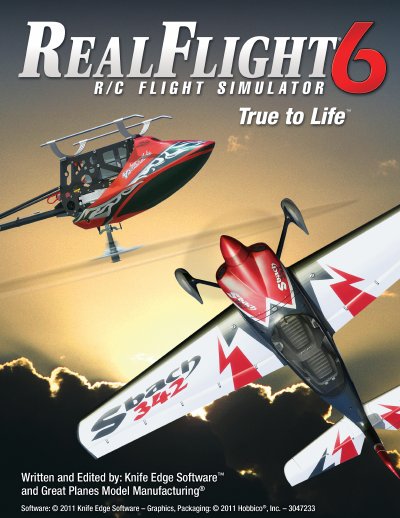
This manual serves as a comprehensive guide for the RealFlight 6 R/C Flight Simulator, developed by Knife Edge Software in collaboration with Great Planes Model Manufacturing. It covers system requirements, installation procedures, and detailed instructions on using the software's core features, including aircraft selection, environment editing, and controller configuration.
| Physics Engine Version | RealPhysics™ 3D |
|---|---|
| Included Models Count | over 100 models |
Yes, the InterLink Elite Controller has a builtin interface for optionally using your own R/C transmitter to control RealFlight 6.
Yes, you can connect and disconnect the controller without rebooting your computer or shutting down RealFlight.