
This document describes the features and characteristics of GREAT PLANES RealFlight Generation 4 and InterLink Elite Controller products.
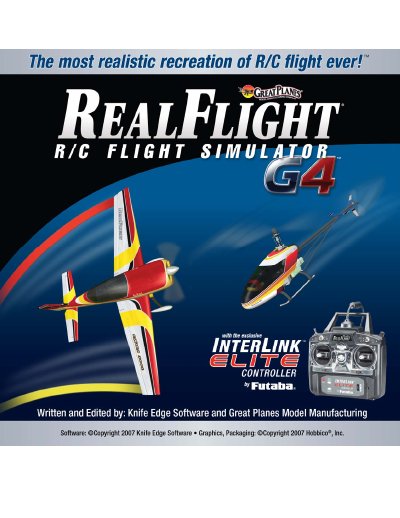
The document is a comprehensive user guide for RealFlight Generation 4 (G4), an advanced radio control aircraft simulation program developed by Great Planes Model Manufacturing Company. It details how to install the software, configure system settings, and utilize various controllers including the InterLink Elite Controller and personal R/C transmitters.
The manual provides extensive instructions on navigating the simulation menu, selecting airports and aircraft, and using specific training aids such as Takeoff Trainer, Landing Trainer, and Hover Trainers. It also covers multiplayer features, recording capabilities, and troubleshooting common problems.
It is an R/C flight simulator that allows users to practice maneuvers, feel the effects of design modifications, or have fun flying.
The software includes over 80 models that look and fly like the real thing.
Yes, the controller allows users to take control of menus and options without touching the keyboard or mouse.