
Motorola Q CDMA Phone User Manual

Motorola Q CDMA wireless phone user manual
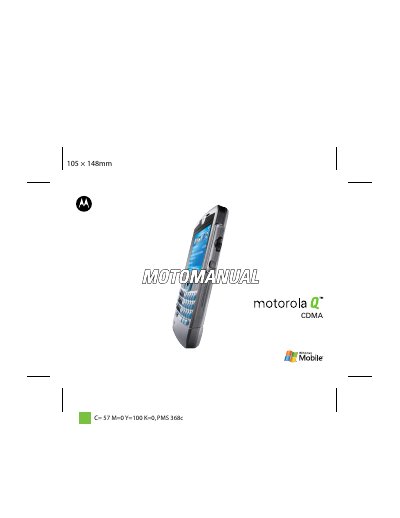

Motorola Q CDMA Phone User Manual - cover page
Brand
Motorola
Category
Cell Phones
Document type
User Manual
Language
English
Pages
126
File format
PDF
File size
3.6 MB
Published
07 August, 2012
Updated
30 September, 2023
MD5 checksum
C96B15DB70B6C7DF9EF31952BBADE159

About this manual

This manual provides instructions for the Motorola Q CDMA wireless phone, a device featuring a QWERTY keyboard, Bluetooth headset support, and camera capabilities. It guides users through the phone's anatomy, including the Center Key, Navigation Key, and various soft keys for menu selection and call management.

What's inside

  • Menu Map
  • Use and Care
  • Battery
  • Turn It On & Off
  • Make a Call
  • E-mail & Messages
  • Take & Send a Photo
  • Bluetooth Wireless
  • Web Browser
  • Safety Information

Specifications

Keyboard TypeQWERTY Keyboard
ConnectivityBluetooth Enabled
Network TypeCDMA

Frequently asked questions

How do I get help while using the phone?

Press Start > Help and QuickStart to open the in-device help.

Where can I find software updates?

Visit http://www.hellomoto.com/update for the latest available software updates.

Download PDF (3.6 MB)

More Motorola Manuals


View all Motorola manuals →