
Sensaphone is a remote monitoring system that can send alarms to you and your support personnel instantly via voice phone call, pager message, e-mail message, or Skymetry website.
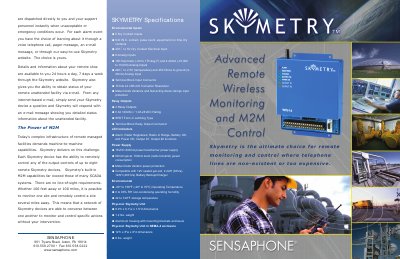
The Sensaphone Skymetry is a wireless monitoring and control system designed for remote unattended facilities. It utilizes a specialized wide-area radio network to provide two-way communication, allowing users to receive detailed telemetry and transmit data directly to the site without relying on telephone lines or specialized radio links. The system supports unlimited alarm delivery capacity and operates as a peer-to-peer device, ensuring messages are received directly from the Skymetry system rather than through an intervening data processing center.
| Dry Contact Inputs | 8 |
|---|---|
| Analog Inputs | 8 |
| Relay Outputs | 2 |
| Operating Temperature | -20° to 158°F (-29° to 70°C) |
| Operating Humidity | 0 to 90% RH non-condensing |
| Power Consumption | 50mA typical, 700mA burst |
| Battery Backup | 12V sealed gel-cell, 2.2AH to 12AH |
| Unit Weight | 1.2 lbs |
No FCC license is required for the Skymetry system.
Yes, each Skymetry device can remotely control output controls of up to eight other remote Skymetry devices.
Users can receive alarms via voice telephone calls, pager messages, e-mail messages, or through the Skymetry website.