
This manual describes how to use the KX-NT321 IP Proprietary Telephone. It includes information on the product's features and characteristics, as well as instructions on how to use its main functions.
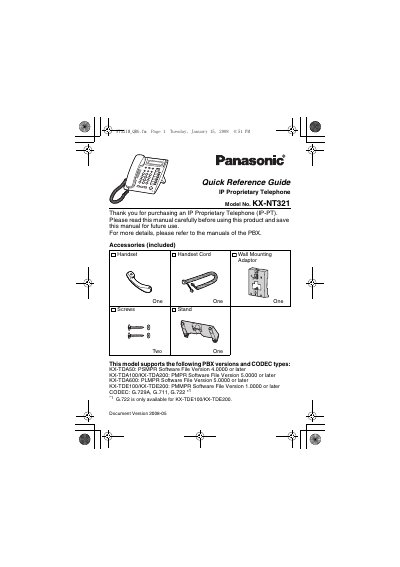
This document is a Quick Reference Guide for the Panasonic KX-NT321 IP Proprietary Telephone. It provides instructions on the location and function of controls, including the LCD, Auto Dial/Store, and various feature buttons like Intercom and Transfer. The guide also details how to adjust settings such as speaker volume, ringer volume, and LCD contrast.
| Supported PBX Versions | KX-TDA50, KX-TDA100/KX-TDA200, KX-TDA6000, KX-TDE100/KX-TDE200 |
|---|---|
| Supported CODEC Types | G.729A, G.711, G.722 |
| Max Personal Speed Dial Digits | 32 digits |
It is used for System/Personal Speed Dialing or storing program changes.
Press the HOLD button to place a call on hold.
Press the MESSAGE button to leave a message waiting indication.