
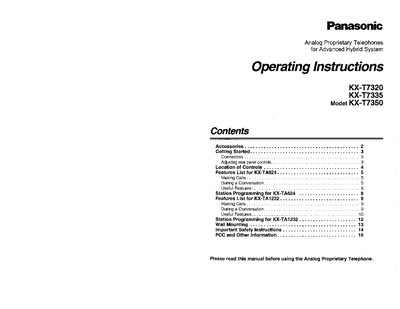
Panasonic KX-T7320/KX-T7335/KX-T7350 Analog Telephone Operating Instructions


Panasonic KX-T7320/KX-T7335/KX-T7350 Analog Telephone Operating Instructions - cover page
Brand
Panasonic
Category
Telephone
Document type
User Manual
Language
English
Pages
16
File format
PDF
File size
2.8 MB
Published
07 August, 2012
Updated
31 August, 2012
MD5 checksum
0049583848A0693A41EAF35F8A09A3E5

About this manual

This manual provides operating instructions for the Panasonic KX-T7320, KX-T7335, and KX-T7350 Analog Proprietary Telephones. It details the contents of the box, including the handset, cords, and optional overlays or card holders. Users are instructed to check these items upon unpacking and to carefully pack the product for shipping if service is required.

What's inside

  • Getting Started
  • Connection
  • Adjusting rear panel controls
  • Location of Controls
  • Feature List for KX-TA624
  • Making Calls
  • Useful Features
  • Station Programming
  • Wall Mounting
  • Important Safety Instructions

Frequently asked questions

What is the purpose of the AUTO ANS button?

The AUTO ANS button is used to answer an intercom call automatically.

How do you enter the programming mode?

Press the PROGRAM button during on-hook to enter the program mode.

What should you do if the telephone causes harmful interference?

Reorient or relocate the receiving antenna, increase separation from the receiver, or connect to a different circuit outlet.

Download PDF (2.8 MB)

More Panasonic Manuals


View all Panasonic manuals →