
Castle Creations Castle Link Features and Installation Instructions

Castle Link software installation instructions
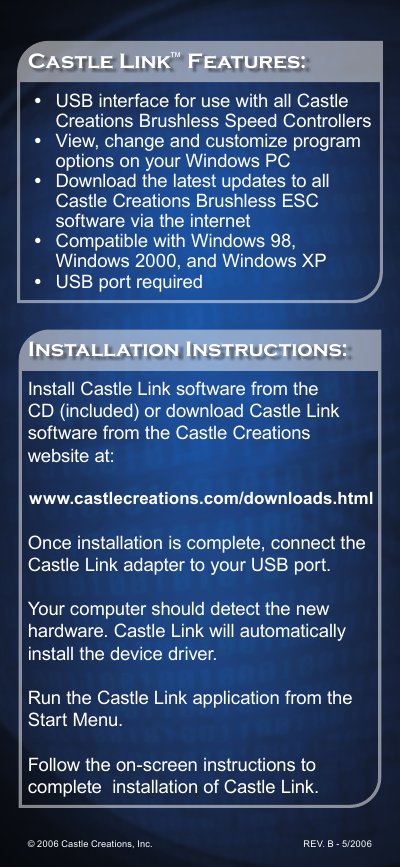

Castle Creations Castle Link Features and Installation Instructions - cover page
Brand
castle
Category
Other
Document type
User Manual
Language
English
Pages
2
File format
PDF
File size
530 KB
Published
07 August, 2012
Updated
30 September, 2023
MD5 checksum
9100884895AB8C206D011975DA34AD1F

About this manual

The Castle Link software features a USB interface for use with all Castle Creations Brushless Speed Controllers. It allows users to view, change, and customize program options on a Windows PC and download the latest updates to all Castle Creations Brushless ESC software via the internet. The software is compatible with Windows 98, Windows 2000, and Windows XP.

What's inside

  • Features
  • Installation Instructions
  • System Requirements
  • Software Download
  • Driver Installation

Specifications

Compatible Operating SystemsWindows 98, Windows 2000, and Windows XP
InterfaceUSB

Frequently asked questions

Where can I download Castle Link software?

You can install the software from the included CD or download it from the Castle Creations website.

What hardware is required for installation?

A USB port is required to connect the Castle Link adapter to your computer.

Download PDF (530 KB)

More castle Manuals


View all castle manuals →