
This document provides information on the front and side panel reference, power on/off operation, preset values table, mode setup, monitored data, extended features, power usage, breathing circuit connection, oxygen computer chart, alarms, and more for the LTV® 1200/1150 ventilator.
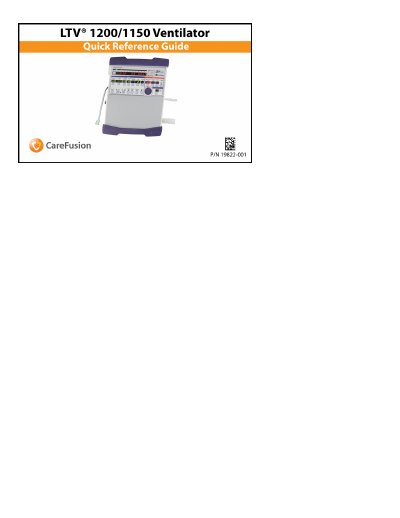
This document serves as a quick reference guide for the CareFusion LTV 1200 and LTV 1150 ventilators. It provides detailed descriptions of the front and side panels, including specific functions of buttons and displays such as the Mode selection, On/Standby button, and Variable Alarm Settings.
The guide outlines procedures for turning the ventilator on and off, setting up various ventilation modes like Assist/Control, SIMV, CPAP, and NPPV. It also includes tables with preset values for different patient types (Infant, Pediatric, Adult) and a comprehensive list of alarm causes with their corresponding solutions.
| Patient Assist Call jack | Included on Side Panel |
|---|---|
| Oxygen Inlet fitting | Included on Side Panel |
Disconnect the patient from the ventilator, press and hold the On/Standby button for 3 seconds, then press the Silence/Reset button.
It occurs when the average oxygen inlet pressure is less than the minimum acceptable inlet pressure of 35 PSIG.
It may be caused by Internal Battery depletion or ESD; contact your Service Rep if it reoccurs.