
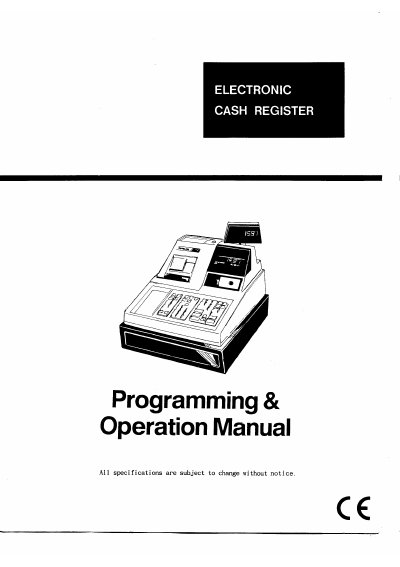
Electronic Cash Register Programming & Operation Manual


Electronic Cash Register Programming & Operation Manual - cover page
Brand
Electronic
Category
Office Equipment
Document type
User Manual
Language
English
Pages
81
File format
PDF
File size
2 MB
Published
06 August, 2012
Updated
06 August, 2012
MD5 checksum
882D57FFBC09243EEDC3C1AC9162444C

About this manual

This document serves as a comprehensive guide for the setup and daily operation of an Electronic Cash Register (ECR). It covers initial unpacking procedures, such as installing the ribbon cartridge and loading detail and receipt paper. The manual also details critical startup steps like clearing the Random Access Memory (RAM) to prepare the device for programming.

What's inside

  • Unpacking and Start Up
  • Loading Paper
  • Clearing RAM
  • Clerk Sign On
  • Programming Departments
  • PLU Programming
  • VAT Computation
  • Tendering Operations
  • Reports and Balancing
  • Trouble Shooting

Specifications

Dimensions (Drawer)400 (D) x 450 (W) x 98 (H)

Frequently asked questions

How do I clear the RAM before programming?

Unplug the register, turn the control lock to 'SERVICE MODE', hold down the '00' key while plugging it back in until the display shows 0.00.

What happens if I change the CONTROL LOCK position during a transaction?

An error condition will occur. You must return to the previous position and finalize the original transaction before changing the setting.

How long should the register remain powered on during initial configuration?

It is recommended that the register remains powered on for at least twenty-four hours to allow the Ni-Cad battery to charge completely.

Download PDF (2 MB)

More Electronic Manuals


View all Electronic manuals →