
This is an operating instruction manual for the Panasonic Video Cassette Recorder. It provides detailed steps for connecting, operating, and adjusting the product. It also lists some precautions.
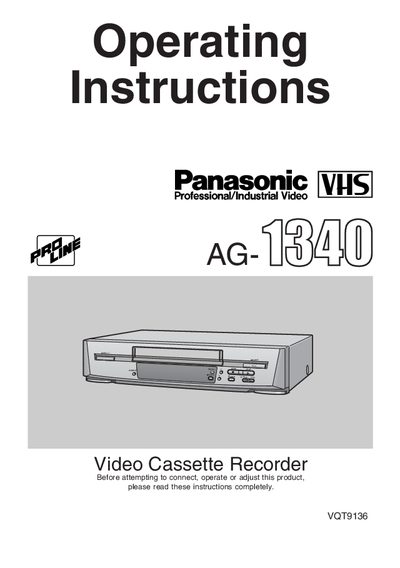
This document provides operating instructions for the Panasonic AG-1340P Video Cassette Recorder. It details the accessories included, safety warnings, and the functions of the unit's controls and connection sockets. The guide explains how to set up the device, including connecting cables, performing auto-tuning, and configuring the on-screen display and clock.
| Remote Batteries | 2 AA size |
|---|---|
| Responsible Party | Matsushita Electric Corporation of America |
The trade name is AG-1340P.
Press the POWER button to switch the VCR from on to standby mode.
Yes, the provided remote control is a universal controller, but only Panasonic TVs can be operated with it.