
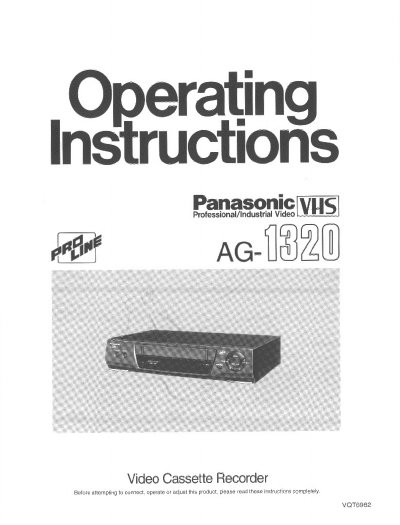
This manual provides operating instructions for the Panasonic AG-1320 Video Cassette Recorder. It details how to connect the unit to a TV or antenna, use the Auto Tuning feature, and operate the various buttons on the front panel and infrared remote controller. Key features described include Al Crystal View Control (CVC) for optimized playback contrast and VHS Index Search System capabilities.
| Product Type | Video Cassette Recorder |
|---|---|
| Remote Battery Type | 2 AA, UM3 or R6 size batteries |
Insert and eject a cassette 5-10 times successively. If the picture is still not clear, use a commercially available cleaning cassette.
It optimizes playback characteristics by automatically optimizing the contrast of tapes recorded at the appropriate setting.
Press the RESET button on the remote controller to reset the elapsed time to 0:00.00.