
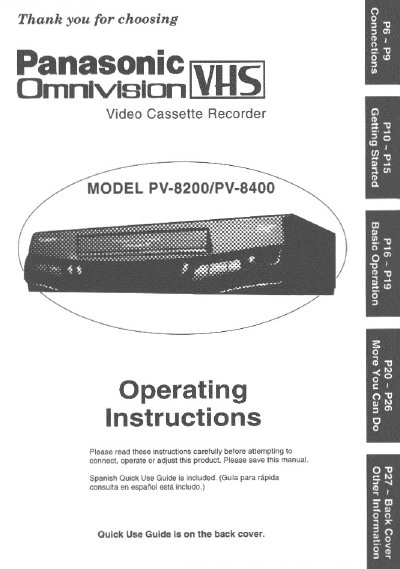
This manual provides operating instructions for the Oration PV-8200 and PV-8400 VHS Video Cassette Recorder. It includes safety precautions, unpacking instructions, and details on product features such as the HQ (High Quality) System and compatibility with existing VHS equipment. The guide covers basic connections for antennas and TVs, as well as audio/video inputs.
The document details how to get started with the unit, including one-time setup for language, channel memory, and clock settings. It explains basic operations for playback and recording, special effects, timer recording, and tape management features like index search and auto functions. Additional sections cover copying tapes, multi-brand control, and special features like VCR Lock and the Blue Back function.
| Tape Compatibility | HQ (High Quality) System |
|---|---|
| TV Tuner | All Channel Auto Set/ 181-CH TV/ CABLE Tuner |
| Timer Recording | One Month, 8 Program |
| Supported Languages | English/ Spanish/ French |
It is recommended that only cassette tapes that have been tested and inspected for use in 2, 4, 6, and 8 hour VCR machines be used.
Yes, it features a Multi Brand TV/ Cable Box/ DSS Remote Control capability.