
Pentair IntelliTouch ScreenLogic User's Guide

This is the IntelliTouch ScreenLogic User's Guide, which introduces the components, interfaces, and usage of the IntelliTouch system
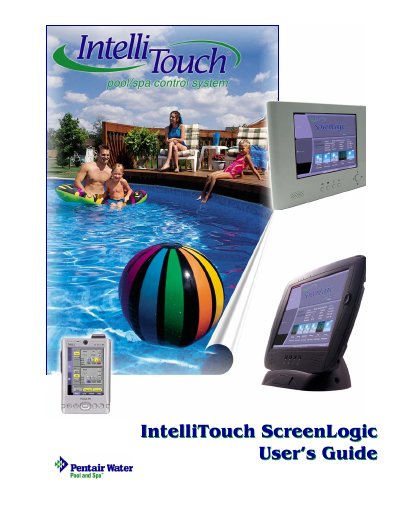

Pentair IntelliTouch ScreenLogic User's Guide - cover page
Brand
Pentair
Category
Other
Document type
User Manual
Language
English
Pages
106
File format
PDF
File size
2.7 MB
Published
06 August, 2012
Updated
30 September, 2023
MD5 checksum
30F5B2A8CEBBF341C66AEEABAF52BF6E

About this manual

The Pentair IntelliTouch ScreenLogic system allows users to control pool and spa equipment using a Personal Digital Assistant (PDA), a Digital Tablet, or an In-Wall Touch Screen. The system connects wirelessly to the IntelliTouch controller and can be configured to manage heating, lighting, pumps, and other auxiliary circuits. It supports features such as Swim Colors, scheduling, and remote monitoring.

What's inside

  • Introduction
  • System Overview
  • Installation
  • Configuring ScreenLogic
  • Using ScreenLogic
  • Home Screen
  • Schedule Screen
  • Equipment Screen
  • Troubleshooting
  • FAQs

Frequently asked questions

Why does the Configuration program say Looking for Controller?

This message appears when the ScreenLogic device cannot find the IntelliTouch controller on the network.

What is the IntelliTouch ScreenLogic?

It is a system for controlling pool and spa equipment.

What safety precaution is required when replacing the battery?

You must replace it only with the same type recommended by the manufacturer.

Download PDF (2.7 MB)

More Pentair Manuals


View all Pentair manuals →