
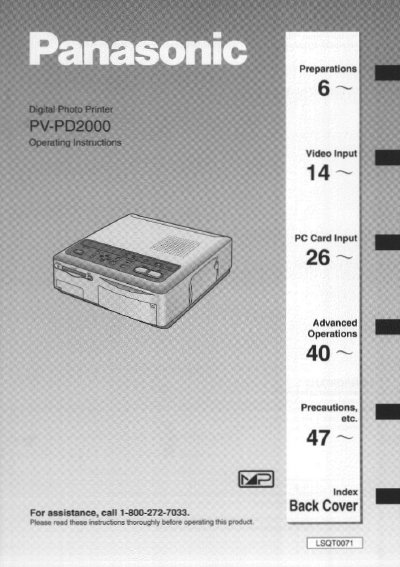
Panasonic PVPD2000 Digital Photo Printer Operating Instructions


Panasonic PVPD2000 Digital Photo Printer Operating Instructions - cover page
Brand
Panasonic
Category
Player
Document type
User Manual
Language
English
Pages
60
File format
PDF
File size
2.2 MB
Published
06 August, 2012
Updated
06 August, 2012
MD5 checksum
AD2A79B49E1C882A282C97FC75B1E740

About this manual

This manual provides operating instructions for the Panasonic PVPD2000 Digital Photo Printer. It details the standard accessories included, safety precautions, and how to prepare the printer for use, including inserting the printing paper and ink cassette. The document explains how to connect the printer to video equipment or a computer to input images for printing.

What's inside

  • Controls and Components
  • Standard Accessories
  • Inserting the Printing Paper
  • Inserting the Ink Cassette
  • Printing from Video Input
  • Printing from a PC Card
  • Using MENU Mode
  • Advanced Operations
  • Error Messages
  • Specifications

Frequently asked questions

What is the primary function of the Panasonic PVPD2000?

It is a Digital Photo Printer designed to print pictures from video equipment or PC cards.

What happens to data stored in the printer's memory when it is turned off?

All data stored in the memory is lost when the printer is turned off.

What should be done if the printer causes harmful interference to radio or television reception?

The user should try to correct the interference by reorienting the antenna, increasing separation, or connecting to a different circuit.

Download PDF (2.2 MB)

More Panasonic Manuals


View all Panasonic manuals →