
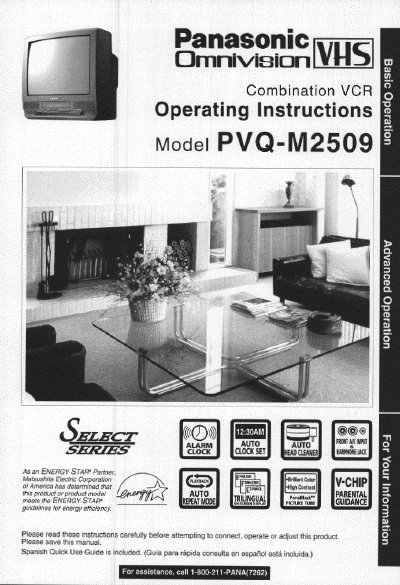
Panasonic PVQ-M2509 Combination VCR Operating Instructions


Panasonic PVQ-M2509 Combination VCR Operating Instructions - cover page
Brand
Panasonic
Category
Television
Document type
User Manual
Language
English
Pages
44
File format
PDF
File size
1.8 MB
Published
06 August, 2012
Updated
30 August, 2012
MD5 checksum
BA0ECA3683612676C8BCF0A537464CD4

About this manual

This document provides operating instructions for the Panasonic PVQ-M2509 Combination VCR. It includes important safety precautions regarding power sources, ventilation, and moisture before using the unit.

The manual details how to connect outdoor antennas or cable boxes, perform one-time setup for language and channels, and operate TV features like NITE mode and closed captioning. It also covers recording functions such as timer recording, VHS Index Search, and copying tapes.

What's inside

  • Important Safeguards and Precautions
  • Connections (Outdoor Antenna/Cable Box)
  • One Time Setup (Language/Channel/Clock)
  • TV Operation Features
  • Picture Adjustment
  • Playback a Tape
  • Record on a Tape
  • Timer Recording
  • Closed Caption System
  • Copying Your Tapes

Specifications

Tape Speed Type SP Record Time (Standard Play)2 Hours
Tape Speed Type LP Record Time (Long Play)5 Hours
Tape Speed Type SLP Record Time (Super Long Play)8 Hours

Frequently asked questions

What tapes are compatible with this unit?

Only use those tapes with the VHS mark.

Where is the serial number located?

The serial number is on the tag located on the back of your Combination VCR.

Download PDF (1.8 MB)

More Panasonic Manuals


View all Panasonic manuals →