
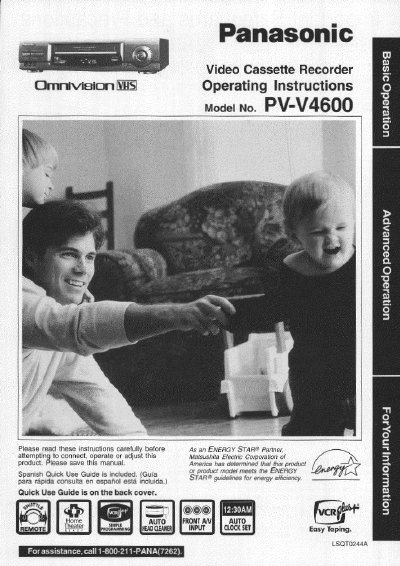
Panasonic PV-V4600 VCR Operating Instructions


Panasonic PV-V4600 VCR Operating Instructions - cover page
Brand
Panasonic
Category
Player
Document type
User Manual
Language
English
Pages
44
File format
PDF
File size
2 MB
Published
06 August, 2012
Updated
30 August, 2012
MD5 checksum
98DD4F2BD0588D6DD40912E669D63747

About this manual

This manual provides operating instructions for the Panasonic PV-V4600 Video Cassette Recorder. It includes safety precautions, basic connections to antennas and TVs, and one-time setup procedures for language and clock settings.

The guide details various playback features such as still pictures, frame-by-frame viewing, and slow motion. It also explains recording functions including One Touch Recording, Timer Recording, and the VCR Plus+ system for automated scheduling.

What's inside

  • Important Safeguards and Precautions
  • Basic Connections (Antenna, VCR, TV)
  • One Time VCR Setup
  • Playback a Tape
  • Record On a Tape
  • Timer Recording Using VCR Plus+ System
  • Tape Operation (Search System)
  • MTS Broadcast/ VHS Hi-Fi Stereo System
  • Special VCR Features
  • Specifications

Specifications

Product TypeVideo Cassette Recorder
Model NumberPV-V4600

Frequently asked questions

What safety precautions should be taken regarding ventilation?

Do not cover ventilation slots or the unit while in use, and avoid placing it on soft surfaces like beds or sofas to prevent heat buildup.

What is the model number of this Video Cassette Recorder?

The model number for this unit is PV-V4600.

How can a user obtain assistance if they have questions about the product?

Users should call 1-800-211-PANA(7262) for assistance.

What should a user do if the unit has been exposed to rain or moisture?

The user must unplug the unit and have it inspected by a qualified service technician before use.

Download PDF (2 MB)

More Panasonic Manuals


View all Panasonic manuals →