
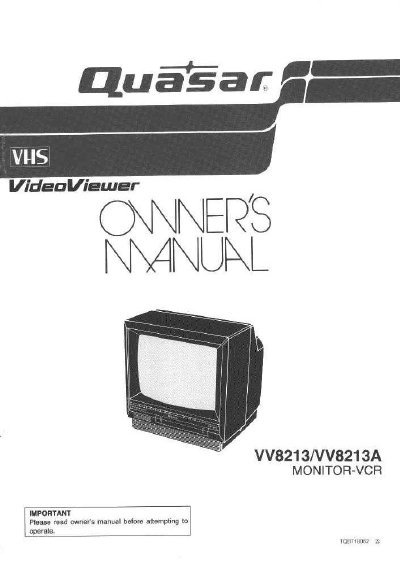
This manual for the Quasar VV8213/VV8213A Monitor-VCR explains basic antenna and CATV connections, describes the front controls and wireless remote control, and covers clock adjustment and channel memory. It also gives instructions for watching TV, playback, recording, One Touch Recording, and timer recording.
The document includes a table of contents, helpful hints, a before-requesting-service section, and specifications. It notes features such as the HQ System, Quartz Tuner with Auto Set, on-screen display programming, special effects playback, and wireless remote control.
| Tape speeds | SP, LP, SLP |
|---|---|
| Slow-motion speed range | About 1/5 to about 1/30 of normal speed |
| Sleep timer | 30-minute increments, maximum 90 minutes |
| One Touch Recording duration | 30 minutes to 4 hours, or until tape ends |
| HQ System compatibility | Compatible with existing VHS equipment |
Each press of the SLEEP TIMER button advances the automatic off timer by 30 minutes, up to a maximum of 90 minutes.
It starts recording immediately for 30 minutes to 4 hours, or until the tape ends; power shutoff is automatic.
It indicates excessive moisture inside the unit; the MONITOR-VCR will not operate and a cassette will be ejected if present.
The tape speed selector offers SP, LP, and SLP.