
Panasonic VV-1301/VV-1311W/VV-13F1/VV-2001 Combination VCR Operating Instructions

This manual describes the operation of the Panasonic VV-1301/ VV-1311W/ VV-13F1/ VV-2001 combination VCR models.
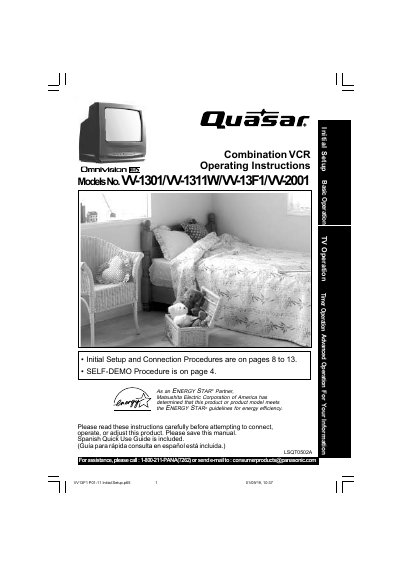

Panasonic VV-1301/VV-1311W/VV-13F1/VV-2001 Combination VCR Operating Instructions - cover page
Brand
Quasar
Category
Video Player
Document type
User Manual
Language
English
Pages
40
File format
PDF
File size
2 MB
Published
06 August, 2012
Updated
30 September, 2023
MD5 checksum
B8DEF6F4FEA94928BF9C8628B1378FBA

About this manual

This manual provides operating instructions for the Panasonic Omnimotion 85 series combination VCR, including models VV-1301, VV-1311W, VV-13F1, and VV-2001. It details initial setup procedures for antenna and cable connections, as well as instructions for using the DSS/Cable box features.

What's inside

  • Important Safeguards and Precautions
  • Before Using
  • Initial Setup for ANT. / Cable Connection
  • Playback & Tape Operation
  • Record On a Tape
  • Copy Your Tapes (Dubbing)
  • TV Operation
  • Picture Adjustment
  • Timer Features
  • Closed Caption System

Frequently asked questions

How do I deactivate the SELF-DEMO Mode?

With Power ON, press PLAY/REPEAT on the unit for 7 seconds to deactivate the SELF-DEMO Mode.

What is the SELF-DEMO Mode and how do I deactivate it?

To deactivate the SELF-DEMO Mode, press the PLAY/REPEAT button on the unit for 7 seconds while the power is on.

Download PDF (2 MB)

More Quasar Manuals


View all Quasar manuals →