
Panasonic TC-P42GT25/TC-P50GT25 Plasma HDTV Quick Start Guide and User Manual

This document is a user manual for Panasonic 42-inch/50-inch 1080p plasma HDTV.
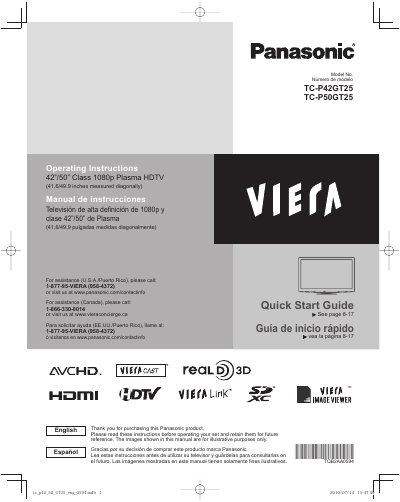

Panasonic TC-P42GT25/TC-P50GT25 Plasma HDTV Quick Start Guide and User Manual - cover page
Brand
Panasonic
Category
Television
Document type
User Manual
Language
English
Pages
70
File format
PDF
File size
3 MB
Published
03 August, 2012
Updated
30 September, 2023
MD5 checksum
3D4F107CB7E06C57A6828EB8A49FAB83

About this manual

This document serves as a Quick Start Guide and User Manual for the Panasonic TC-P42GT25 and TC-P50GT25 Class 1080p Plasma HDTVs. It includes essential safety precautions, initial setup instructions, and guidance on connecting various devices such as VCRs, DVD players, and USB drives to the television.

What's inside

  • Safety Precautions
  • Quick Start Guide
  • Accessories/Optional Accessories
  • Basic Connection
  • First Time Setup
  • Watching TV
  • Using VIERA TOOLS
  • Viewing 3D images on TV
  • Network Settings
  • Specifications

Specifications

Screen Size Class42°/50” Class
Resolution1080p
Diagonal Measurement (TC-P42GT25)41.6 inches
Diagonal Measurement (TC-P50GT25)49.9 inches

Frequently asked questions

What is the support phone number for U.S.A./Puerto Rico?

Call 1-877-95-VIERA (958-4372) or visit www.panasonic.com/contactinfo.

How many people are required to install the television?

Two or more people are required to install or remove the television.

Download PDF (3 MB)

More Panasonic Manuals


View all Panasonic manuals →