
This document is the user manual for DVD-RP56 player, which introduces the functions and features of the player and how to use it
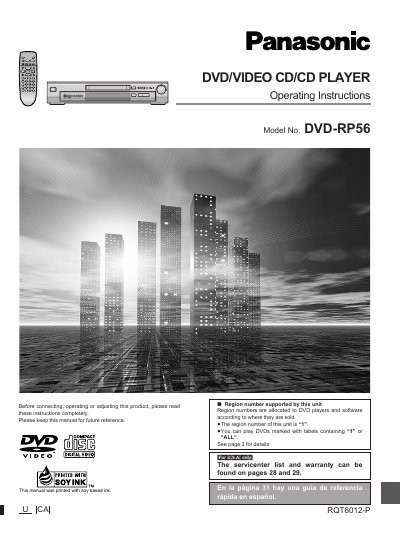
This manual provides operating instructions for the Panasonic DVD-RP56 DVD/Video CD/CD Player. It details how to connect the unit to a television or home theater system, use the remote control, and operate various playback functions including DVD-Video, Video CD, and Audio CDs.
The document covers advanced features such as ADVANCED SURROUND (WSS), BASS PLUS 2.0, DIALOGUE ENHANCER, and CINEMA modes. It also includes sections on disc information, initial settings, recording to MDs or cassette tapes, and a troubleshooting guide.
| Region Number | 1 |
|---|
The region number of this unit is "1".
This unit supports Region number "1" and can play DVDs marked with labels containing "1" or "ALL".
No, this unit does not have a DTS decoder and must be connected to equipment with one to play DTS DVDs.