
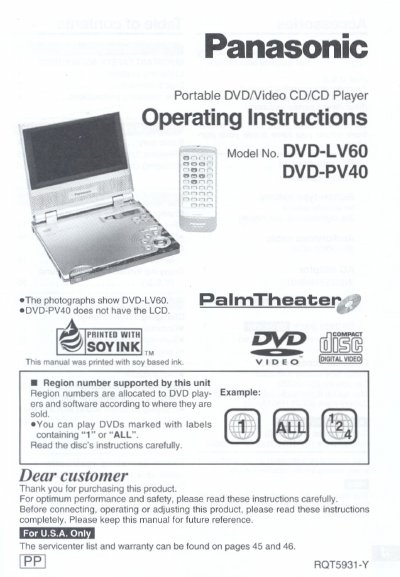
This manual provides operating instructions for the Panasonic DVD-LV60 and DVD-PV40 portable DVD/Video CD/CD players. It details the use of the main unit and remote control, including power supply options via AC adaptor or battery pack.
The guide covers basic playback functions such as playing discs, resuming playback from a pause point, and skipping chapters or tracks. Advanced operations include changing soundtracks and subtitles, utilizing Virtual Surround Sound (VSS), and adjusting monitor settings like picture size and brightness.
| Screen Type | 5.8-inch wide screen LCD |
|---|---|
| Compatible Discs | DVD, Video CD, CD |
The manual specifies using only the Panasonic car adaptor DY-DC95.
Yes, optional accessories include headsets such as RP-HC100 or RP-HS900.
The manual states that Region numbers are allocated according to where they are sold, and users can play discs marked with labels 1 containing '1' or 'ALL'.