
This document is the user manual for SHARP XR-20X/XR-20S XG-MB50X/XR-10S projector
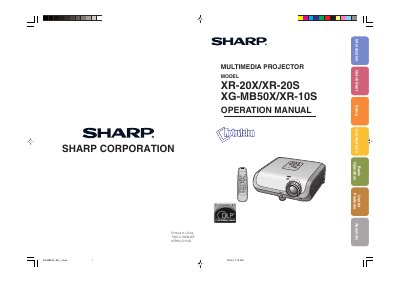
This document serves as the official operation manual for the Sharp XR-20X, XR-20S, XG-MB50X, and XR-10S multimedia projectors. It provides comprehensive guidance on preparing the device, performing standard or ceiling-mount setups, and establishing connections to computers and video equipment.
The guide details basic operation procedures including turning the projector on and off, adjusting the projected image, and utilizing useful features such as auto sync and break timers. It also covers menu selections for picture adjustments, lamp settings, and troubleshooting common issues.
The cooling fan continues to run for about 90 seconds after the projector enters standby mode. Ensure the cooling fan has stopped before disconnecting the power cord.
No, you should never turn the projector off by disconnecting the power cord during normal operation as this will result in premature lamp failure.
You should not stare into the beam of light or view it directly, especially to avoid risk to children.