
This manual introduces the usage of SHARP multimedia projector, including quick start, setup, connections, basic operation, useful features, appendix and more
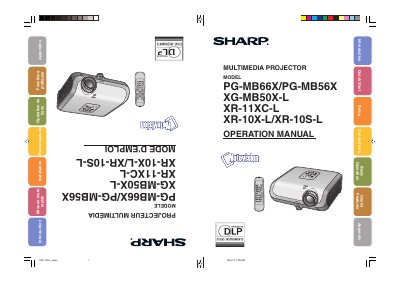
This operation manual provides comprehensive instructions for the installation, connection, and basic operation of SHARP multimedia projectors. It covers standard and ceiling-mount setups, connecting to various video sources like computers and monitors, and utilizing remote control features.
The guide details how to adjust image settings including brightness, color temperature, and keystone correction. It also includes sections on maintenance, specifically cleaning dust filters and replacing the lamp unit, along with troubleshooting steps for common issues.
| Pixel Count (PG-MB66X/PG-MB56X) | 786,432 pixels |
|---|---|
| Pixel Count (XR-10S-L) | 480,000 pixels |
| Cooling Fan Run Time | about 90 seconds |
Try reorienting the receiving antenna, increasing separation between equipment and receiver, connecting to a different circuit outlet, or consulting a technician.
The cooling fan continues to run for about 90 seconds after the projector enters standby mode.
Yes, some inactive pixels within acceptable tolerances may result in inactive dots on the picture screen.