
This manual introduces the basic operation and use methods of the PG-F320W projector, including quick start, setup, connections, basic operation, useful features, and appendix, to help users quickly familiarize themselves with and use this product.
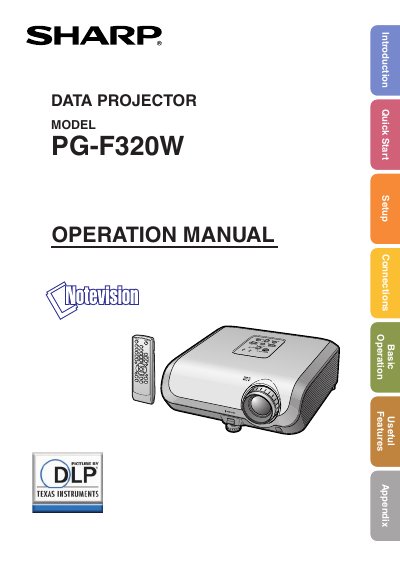
This document is the English operation manual for the Sharp PG-F320W data projector. It provides comprehensive guidance on preparing the device, setting up projections (including front and ceiling-mount configurations), and adjusting image parameters such as keystone correction and picture modes.
The guide details how to connect the projector to various equipment like computers and audio devices, operate it using both the unit's buttons and the remote control, and utilize useful features like the break timer and spot function. It also includes sections on maintenance, specifically lamp replacement, and troubleshooting common issues.
| Technology | DLP chip with 1,024,000 pixels (micromirrors) |
|---|---|
| FCC Class | Class A digital device |
The CD-ROM contains operation instructions in English, German, French, Spanish, Italian, Dutch, Swedish, Portuguese, Chinese and Korean.
Yes, the remote control can be used as a wireless computer mouse.