
This manual introduces the basic operation of the pg-d40w3d projector, including connection and use.
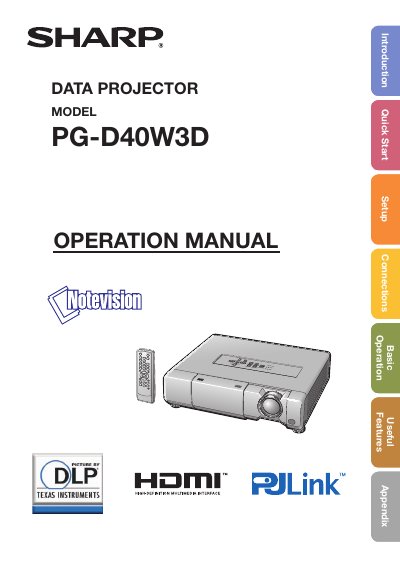
This document is the English Operation Manual for the Sharp PG-D40W3D Data Projector. It provides instructions on how to read the manual, register the warranty, and understand safety warnings regarding high brightness light sources and electrical hazards.
The guide details the projector's menu system navigation using adjustment buttons (P/R/O/Q), ENTER, RETURN, and MENU/HELP. It explains how to access various settings such as Picture Mode, Contrast, Brightness, Color Temperature, and CMS.
To assure immediate receipt of full warranty benefits and to ensure prompt receipt of any safety notifications regarding inspection, modification, or recall.
It is recommended that the lamp be replaced with a new one immediately, even if it appears to be operating normally.
You must wait at least one hour to allow the surface of the lamp unit to fully cool.